StatRO

Phone App Guide | StatRO

The StatRO phone app opens from a link the administrator sends, and is added to the home screen from the browser's menu («Add to Home screen»). Each person signs in with their own name and password and sees only what their role needs. It works offline: what is saved without a network waits on the phone and is sent when it returns. A session ends after an hour unused.
العربية

The operator: a periodic reading

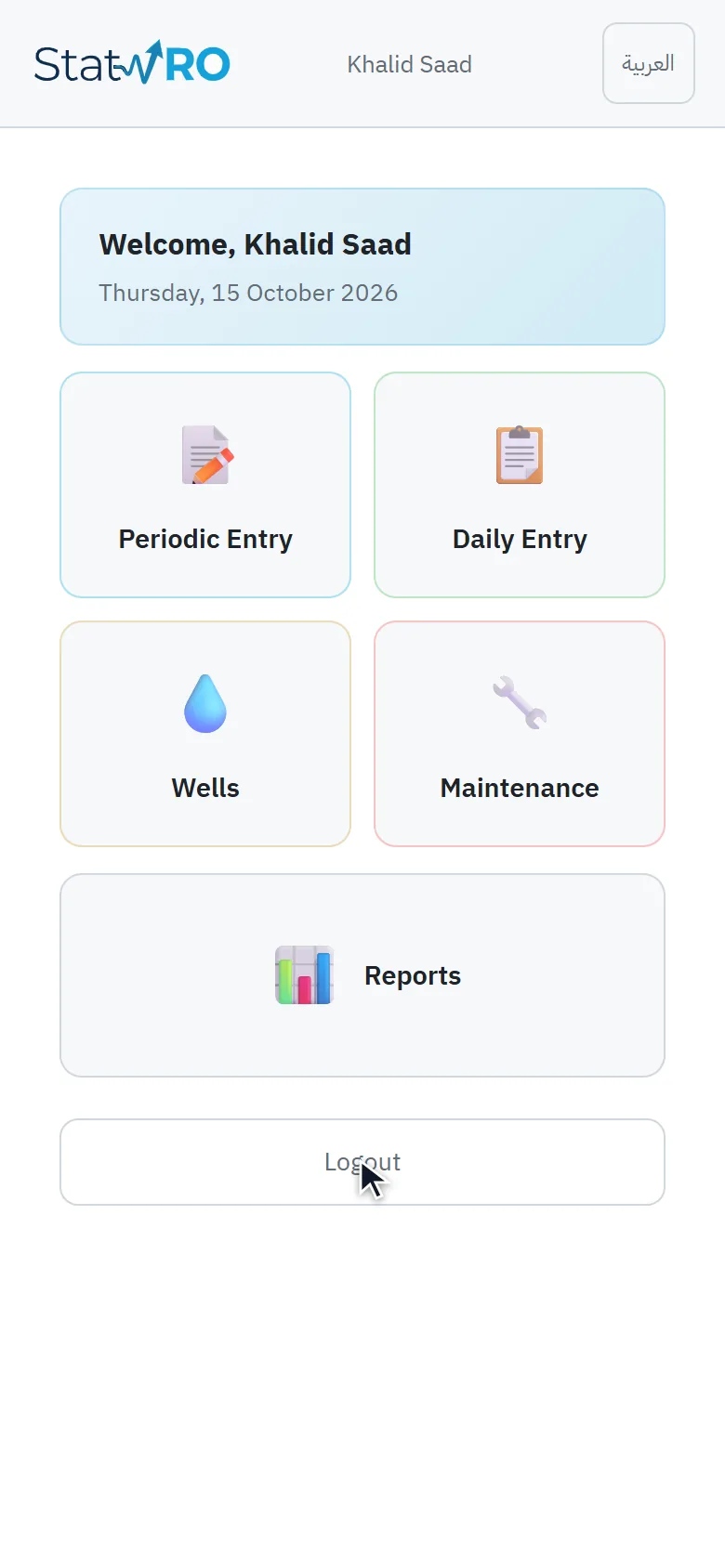
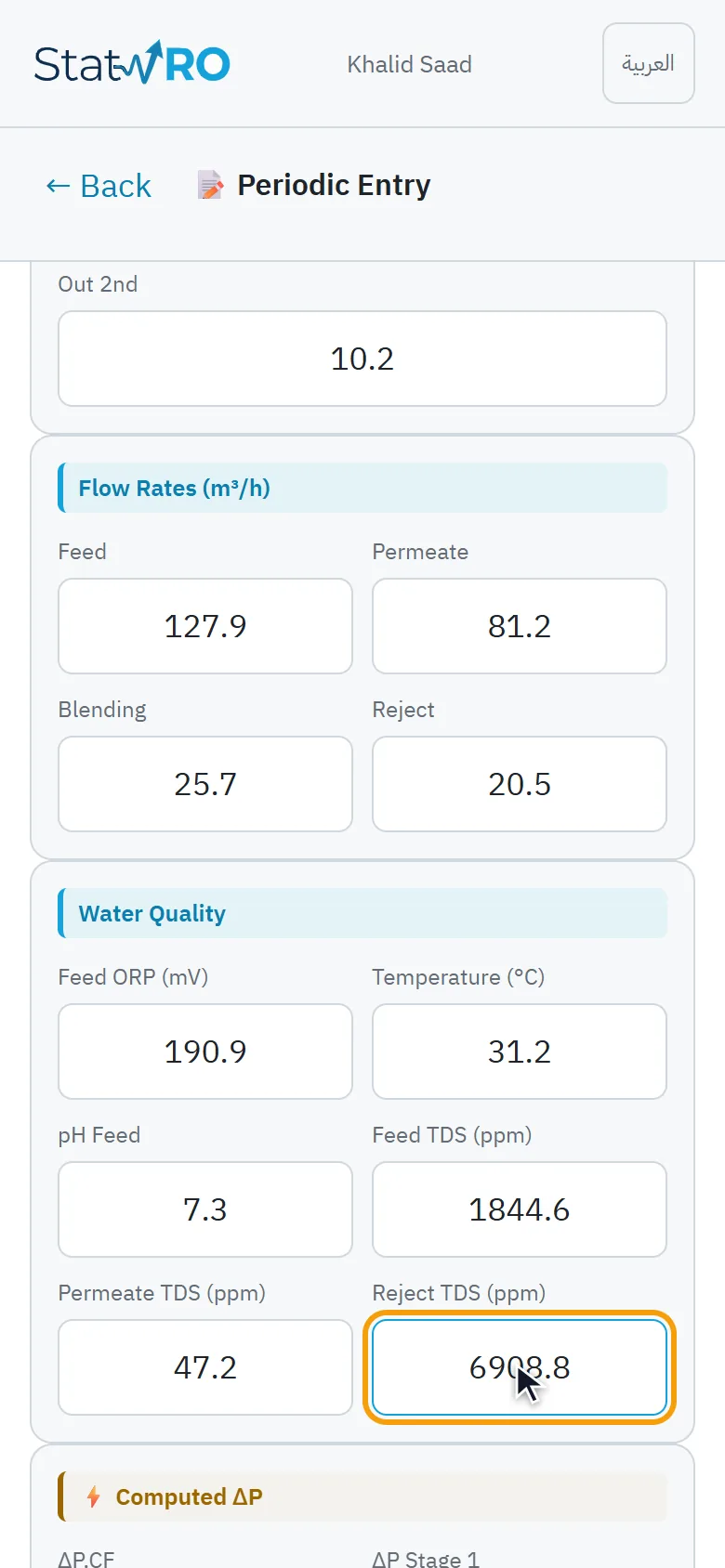
Signed in, the operator sees their work: periodic and daily entries, wells and reports. «Periodic entry» shows the next reading due (station and time); the operator fills in the pressures, flows and water quality; the ΔP values are worked out as they type, and a value out of its range is refused. After «Save reading» it moves on to the next time.

VideoThe operator signs in
⬇ Download the video (MP4)
The operator's work
ScreenThe operator's work
VideoA whole periodic reading
⬇ Download the video (MP4)
The reading before saving
ScreenThe reading before saving

The maintenance technician: from notification to photo

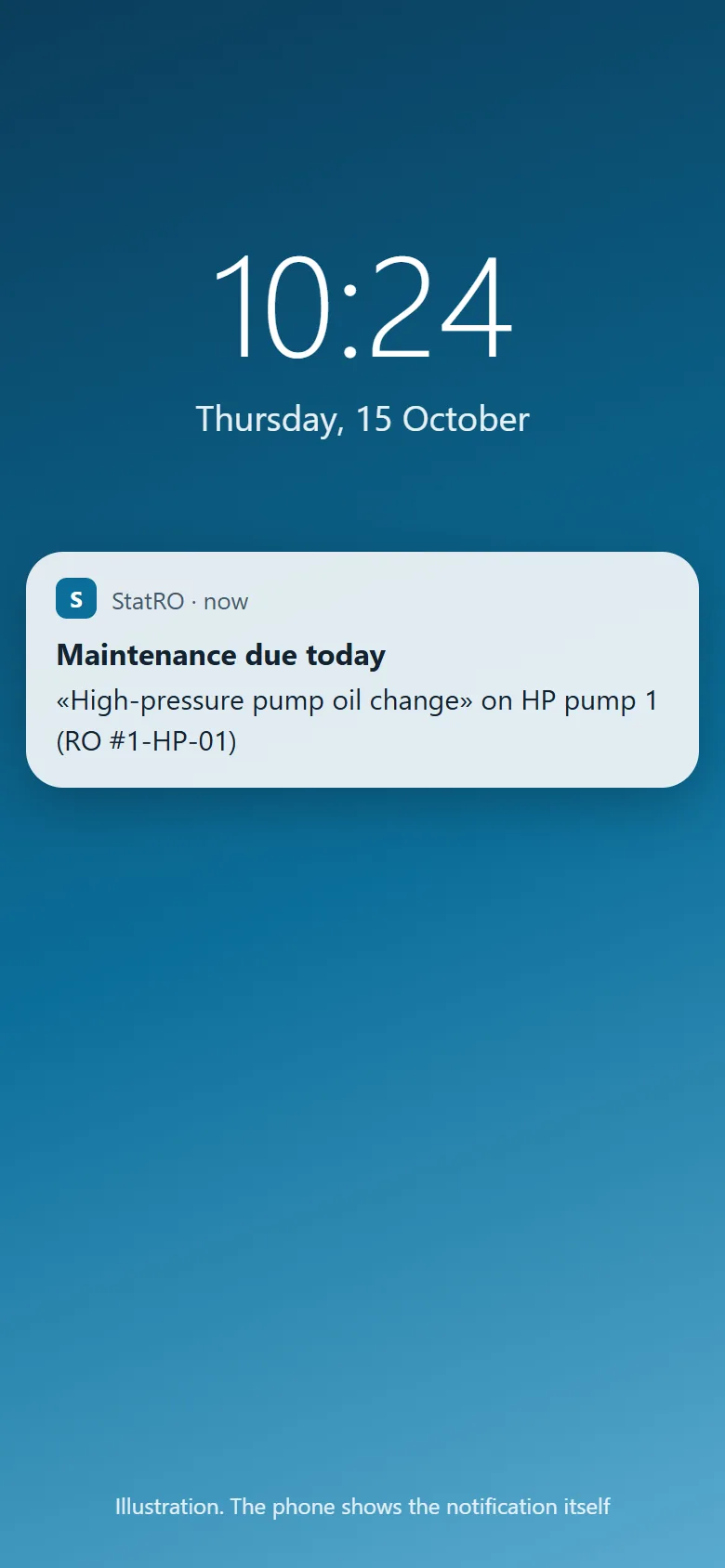
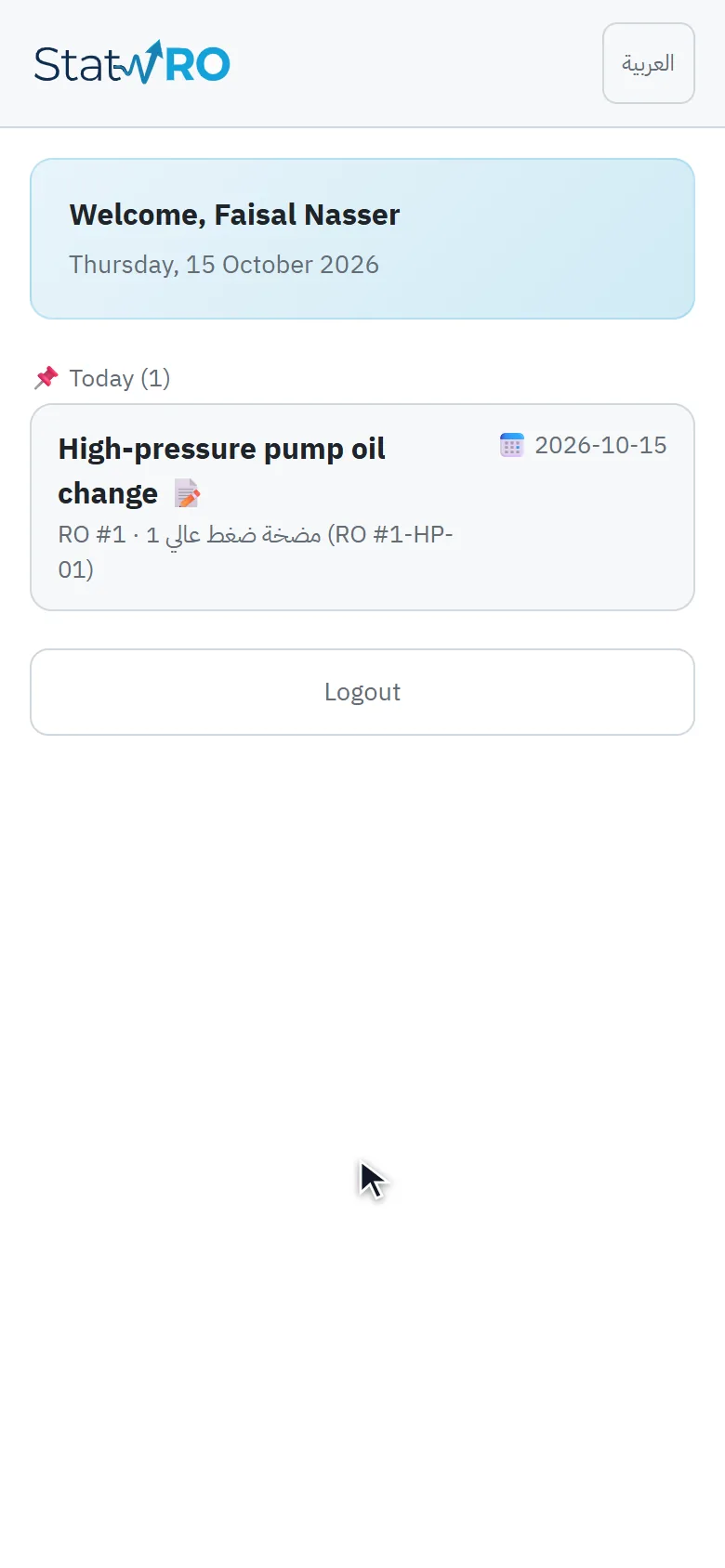
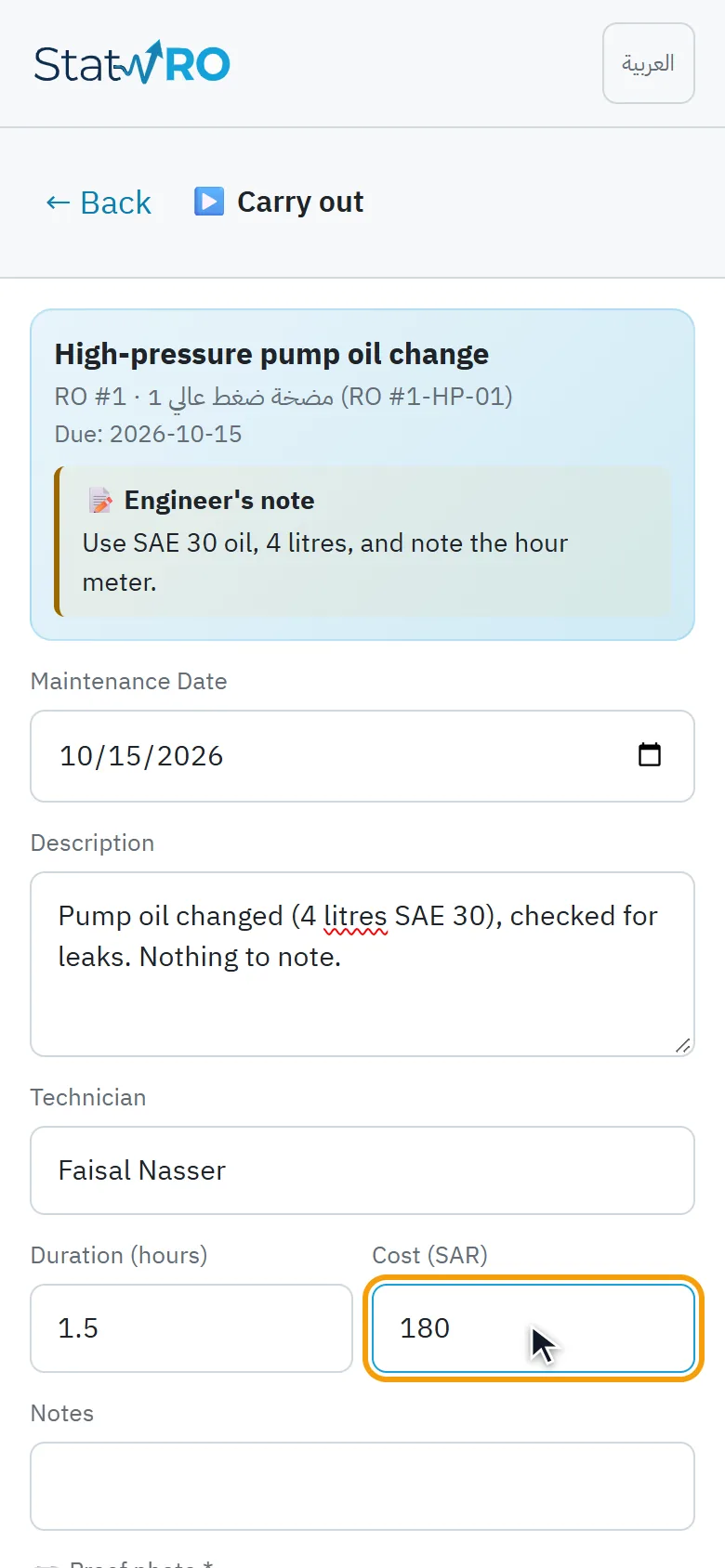
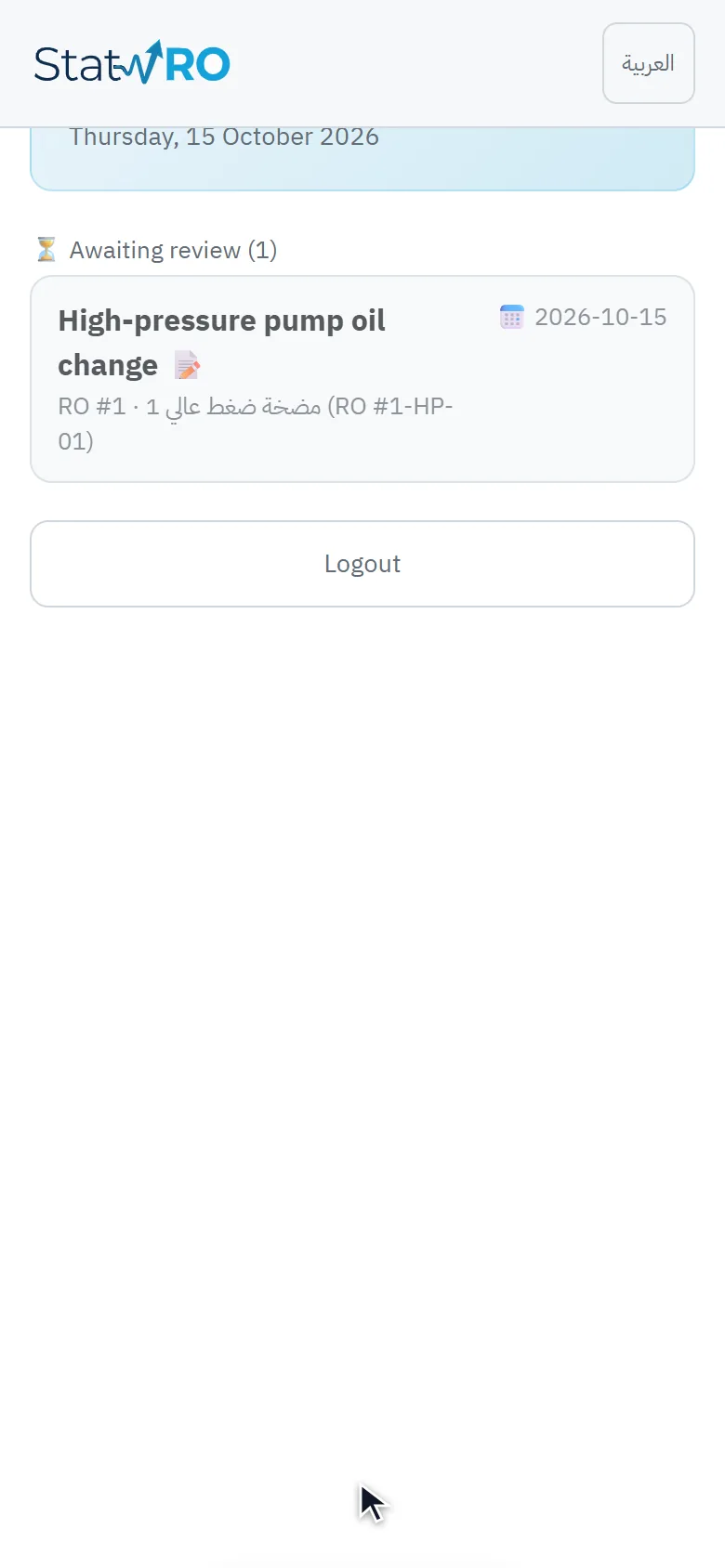
A notification tells the technician that maintenance is due today. In the app the task is on their list, with the engineer's note; they record what they did, how long it took and what it cost, attach the proof photo (required), and send it. The task then waits for the engineer's review.

The notification (illustration)
ScreenThe notification (illustration)
VideoThe technician signs in
⬇ Download the video (MP4)
The task on the list
ScreenThe task on the list
VideoDoing the task, attaching the photo
⬇ Download the video (MP4)
The task before sending
ScreenThe task before sending
Waiting for review
ScreenWaiting for review

The driver: from notification to delivery

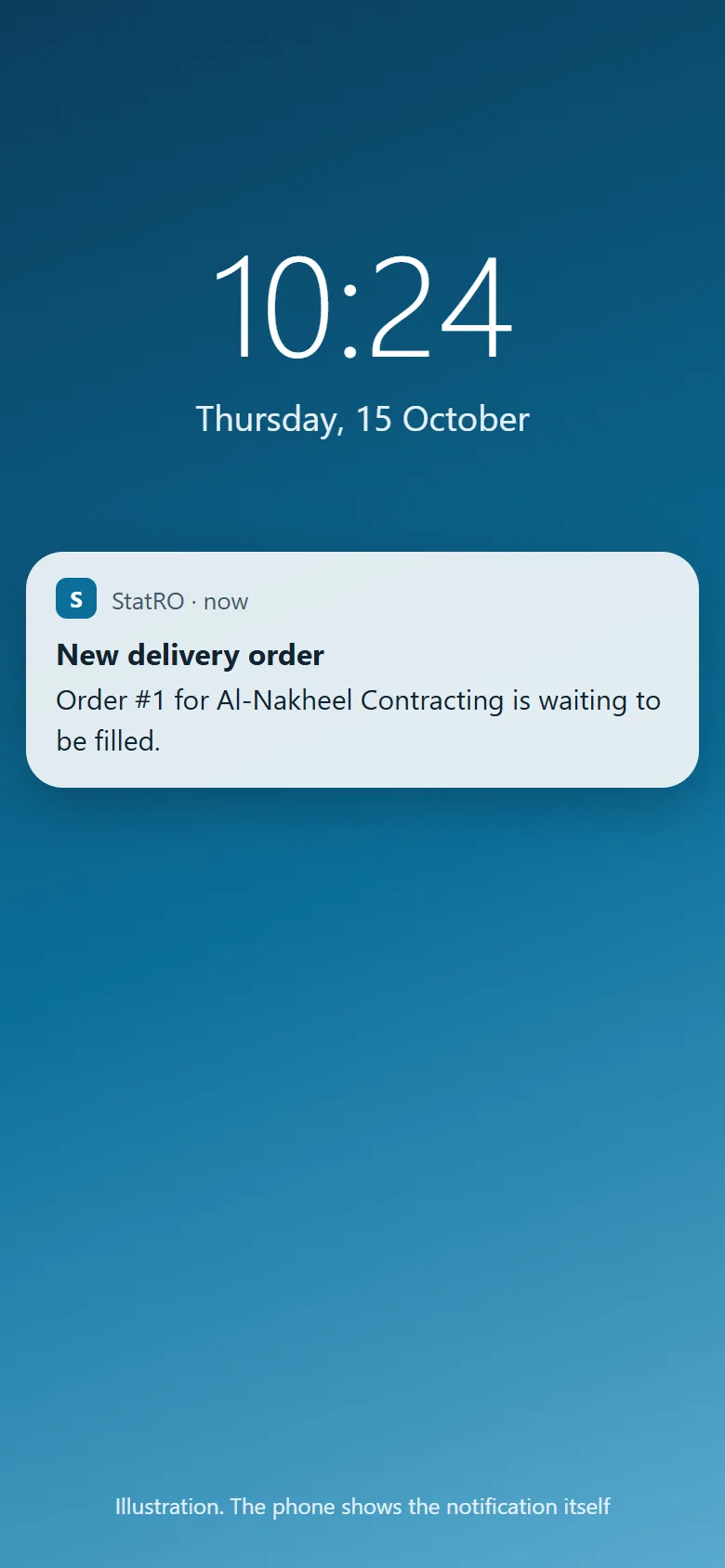
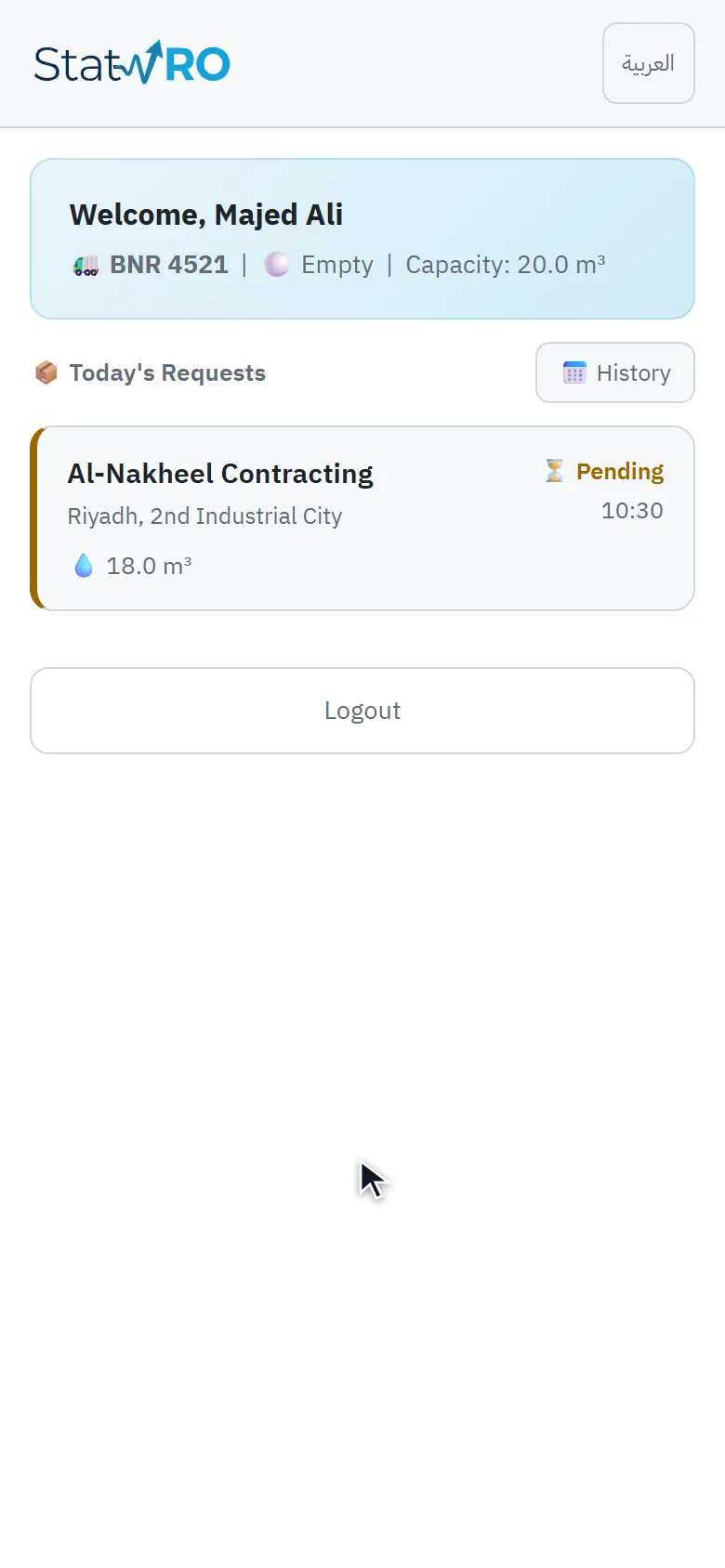
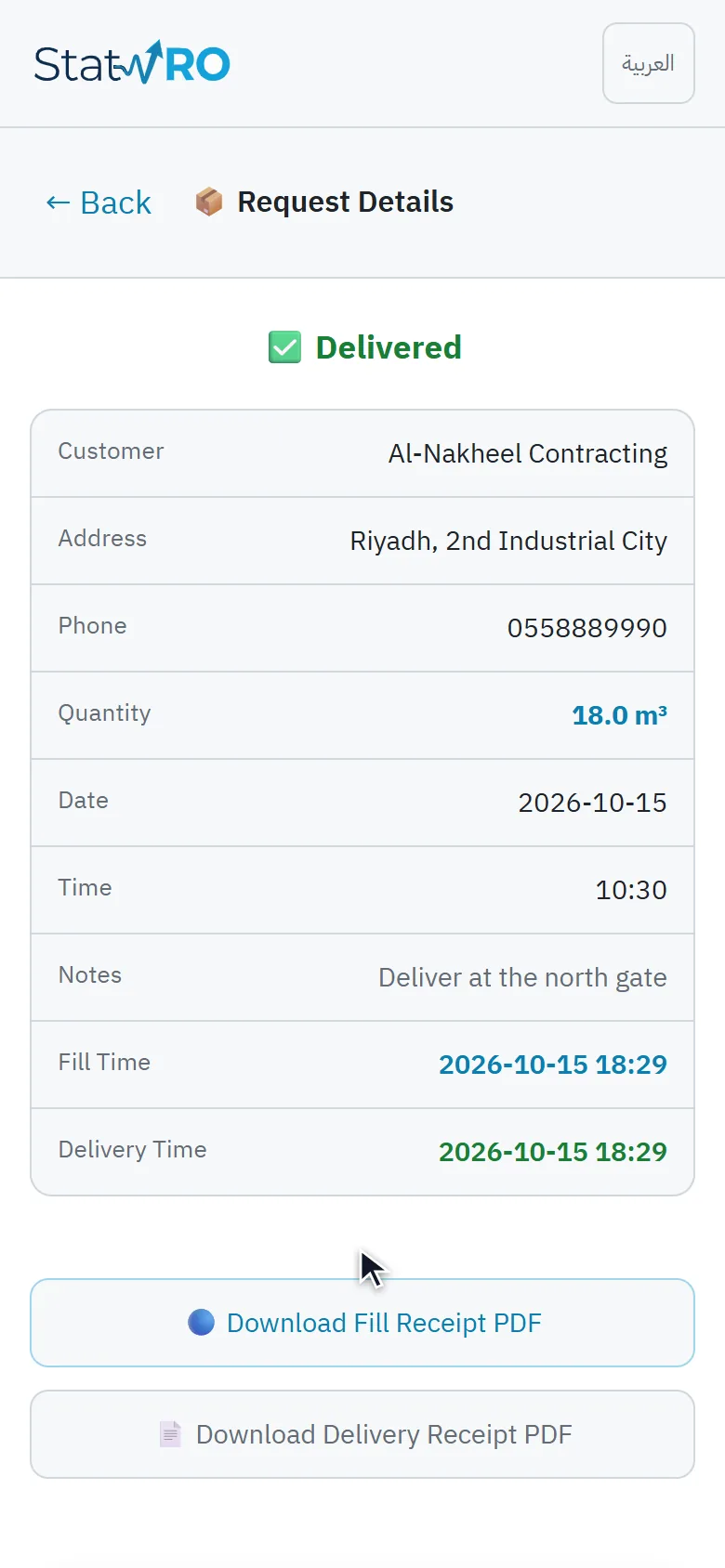
A notification tells the driver about a new delivery order. The app shows their tanker and the day's orders; the order gives the customer, address, phone and quantity. Then «Confirm filling» at the station and «Confirm delivery» at the customer. Each has a PDF receipt to download.

The notification (illustration)
ScreenThe notification (illustration)
VideoThe driver signs in
⬇ Download the video (MP4)
The tanker and today's orders
ScreenThe tanker and today's orders
VideoFilling, then delivery
⬇ Download the video (MP4)
Delivered, and the receipts
ScreenDelivered, and the receipts